Hardware
Supported Hardware for Modern Checkout
We help you choose, source and set up supported POS hardware that fits your counter, volume and software.
01 · Category
Standalone Terminal
Standalone terminals accept card payments on their own, without a full POS station. They suit businesses that want a dependable payment device at the counter or in hand.
 PAX
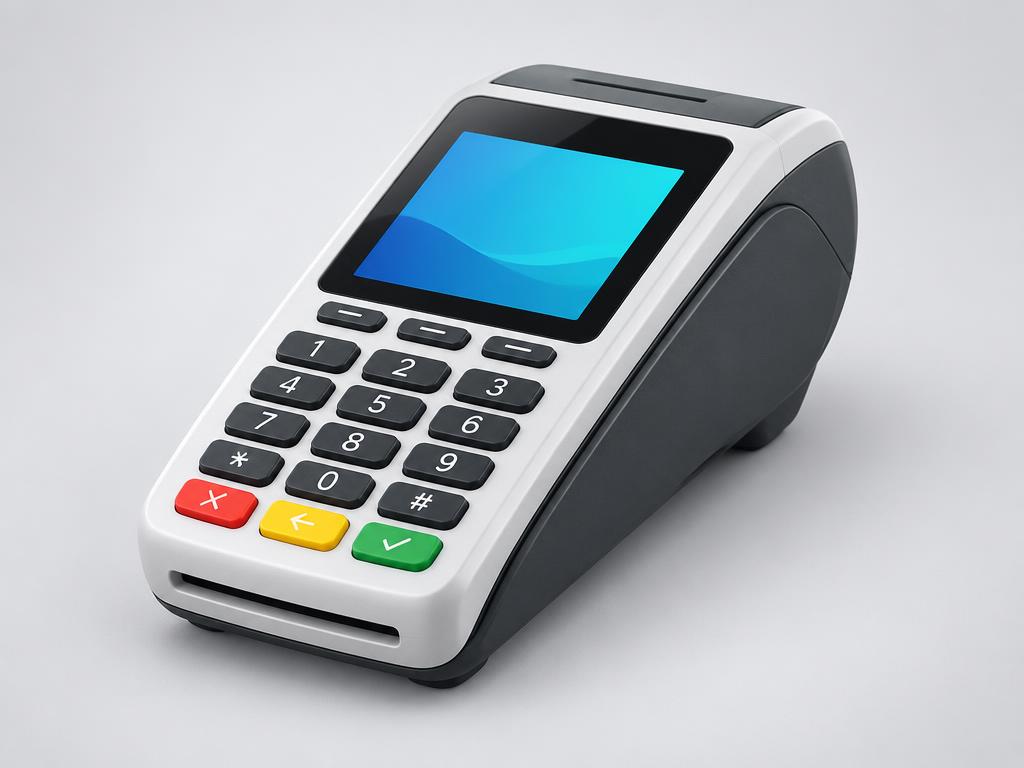
PAXStandalone Terminal
PAX A80
A countertop Android payment terminal from PAX, designed for everyday card acceptance at a fixed counter.
View Details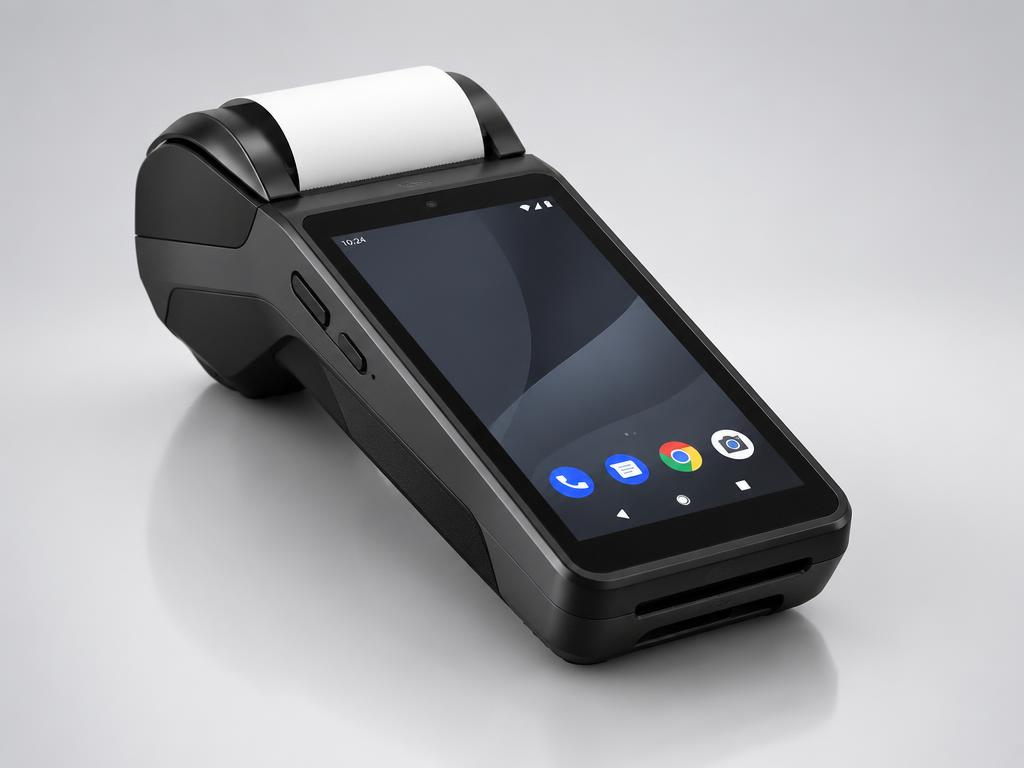 PAX
PAXStandalone Terminal
PAX A920
A portable Android payment terminal from PAX with a touchscreen and built-in receipt printer.
View DetailsDejavooStandalone Terminal
Dejavoo Z8
A countertop payment terminal from Dejavoo built for straightforward, reliable card acceptance.
View DetailsDejavooStandalone Terminal
Dejavoo P1
An Android-based payment terminal from Dejavoo with a touchscreen interface.
View DetailsValorStandalone Terminal
Valor V100
A countertop payment terminal from Valor PayTech for everyday card acceptance.
View Details02 · Category
Countertop POS
Countertop POS systems pair a touchscreen station with POS software and peripherals such as scanners, printers and cash drawers — the main workstation for daily sales.
 JMSC
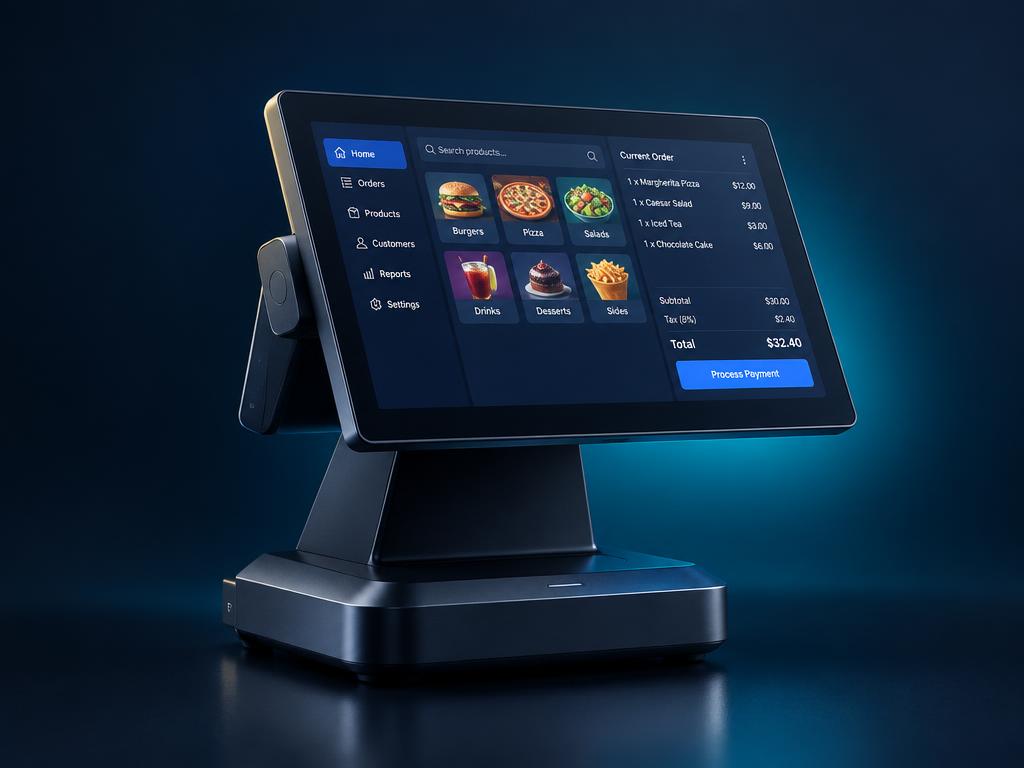
JMSCCountertop POS
JMSC POS System
A countertop POS system option from JMSC for retail and convenience counters.
View Details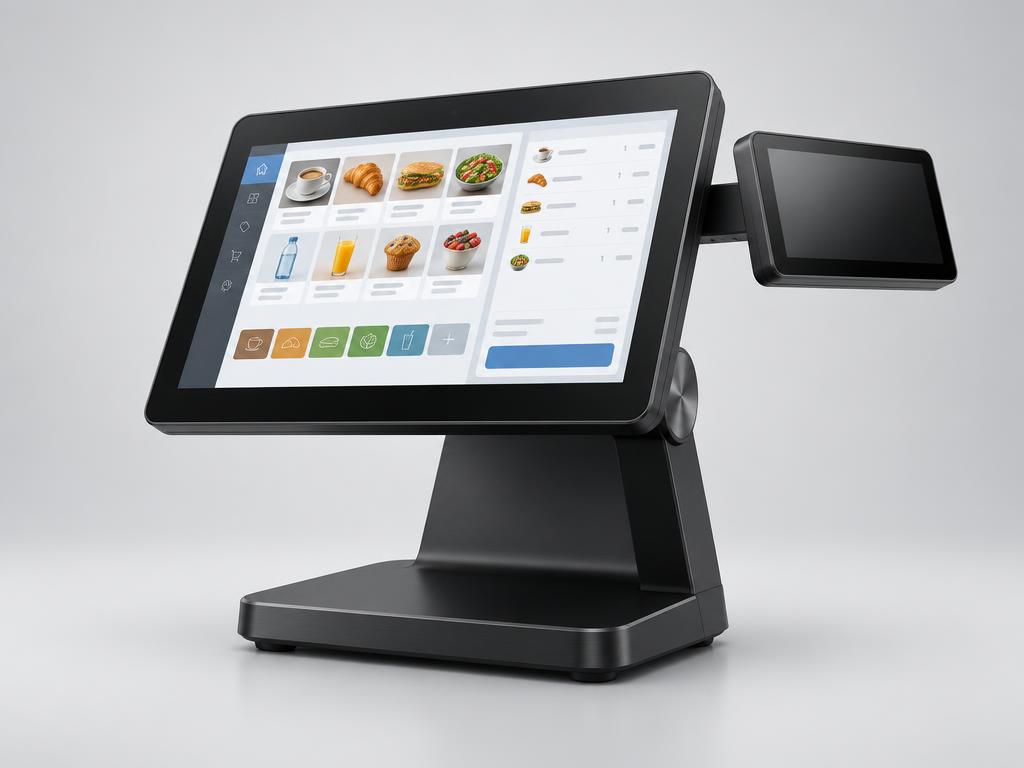 NRS
NRSCountertop POS
NRS POS System
NRS POS systems are built around independent retail, with a focus on product catalogs, pricing and store reporting.
View DetailsCloverCountertop POS
Clover POS
Clover countertop POS stations, available through Celero Commerce, combine POS software and payments in one system.
View DetailsKORONACountertop POS
KORONA POS
KORONA POS is cloud-based retail POS software that runs on supported countertop hardware.
View DetailsPower POSCountertop POS
Power POS Systems
Power POS systems, available through Ace Merchant, provide countertop POS stations for everyday retail.
View Details03 · Category
Mobile POS
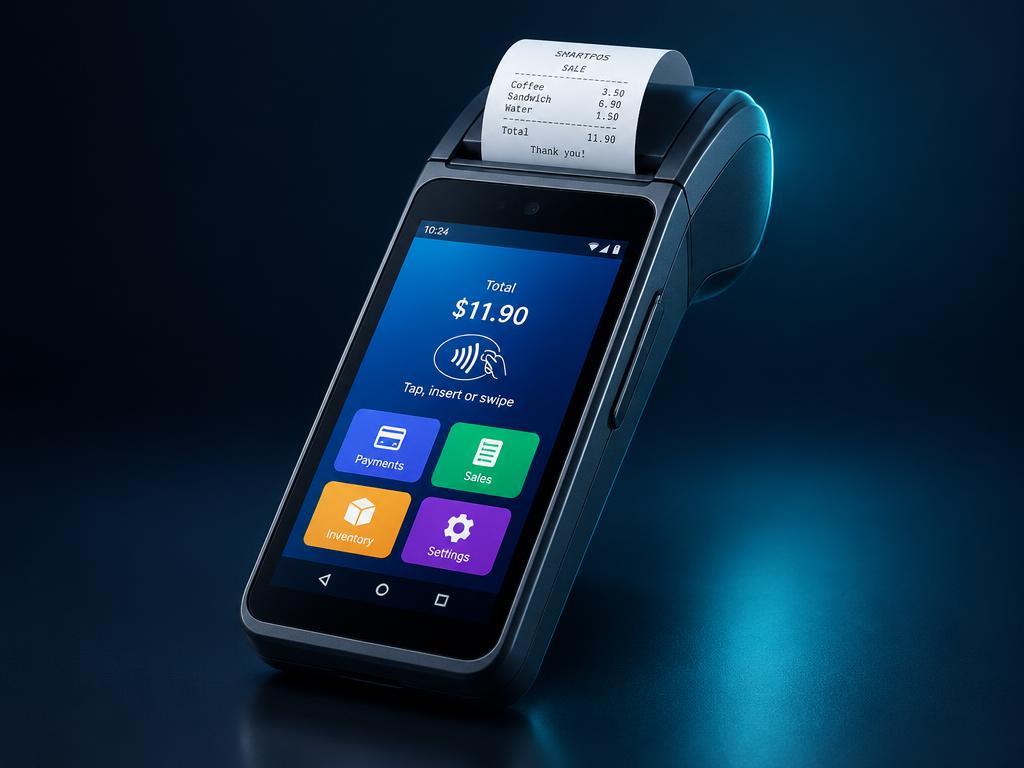
Mobile POS lets staff take sales away from the main register — on the floor, at events or at the curb.
Process
How hardware setup works
Exact models, configurations and compatibility are confirmed with each quote. Images are illustrative.
- 1Tell us about your counter and volume
- 2Receive a hardware recommendation and quote
- 3Delivery of confirmed devices
- 4Setup and testing with your POS
- 5Ongoing support
Not sure what hardware you need?
Describe your counter and we'll recommend a setup.